
How Does This Work?

It is easy! Add a new church or claim an existing one so you can update it.

Adding a Church

1. Create an Account

Before you can get started, you need to create an account. Click here to register.

2. Activate Your Account

You will receive an email with a link to activate your account.

3. Add Your Church

Once you've logged in, you'll be able to add a church by using a form.
Already Logged In?

Claiming A Church

1. Create an Account

Before you can get started, you need to create an account. Click here to start.

2. Activate Your Account

You will receive an email with a link to activate your account.

3. Open the Church Page

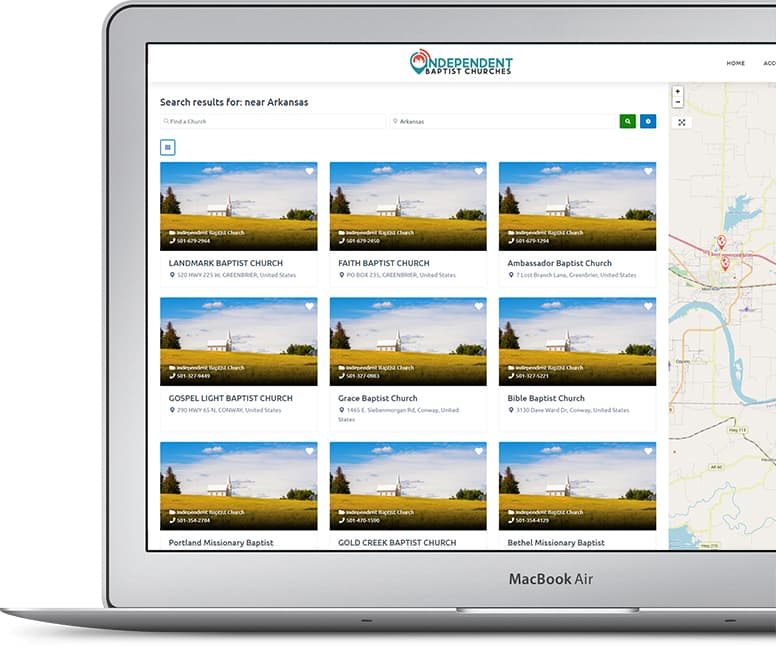
Once you've logged in, search for the church you want to claim.

4. Click "Claim Church"

There are buttons at the top and sidebar that say "Claim Church."

5. Fill Out the Form

Submit your claim to edit the church. Once approved, you can edit the listing.

6. Edit Your Listing

In your account page, you can see your listings and edit them.